Codes
Last Stop Roblox codes for September 2026: no active promo list, reward watch, and where drops would appear first.
View all CodesMemorize Cart 20. Spot the wrong details. Reach Cart 0.
Last Stop Roblox wiki covering Cart 20 anomalies, Cart 0 walkthroughs, speedrun endings, badges, and the in-game scanner.
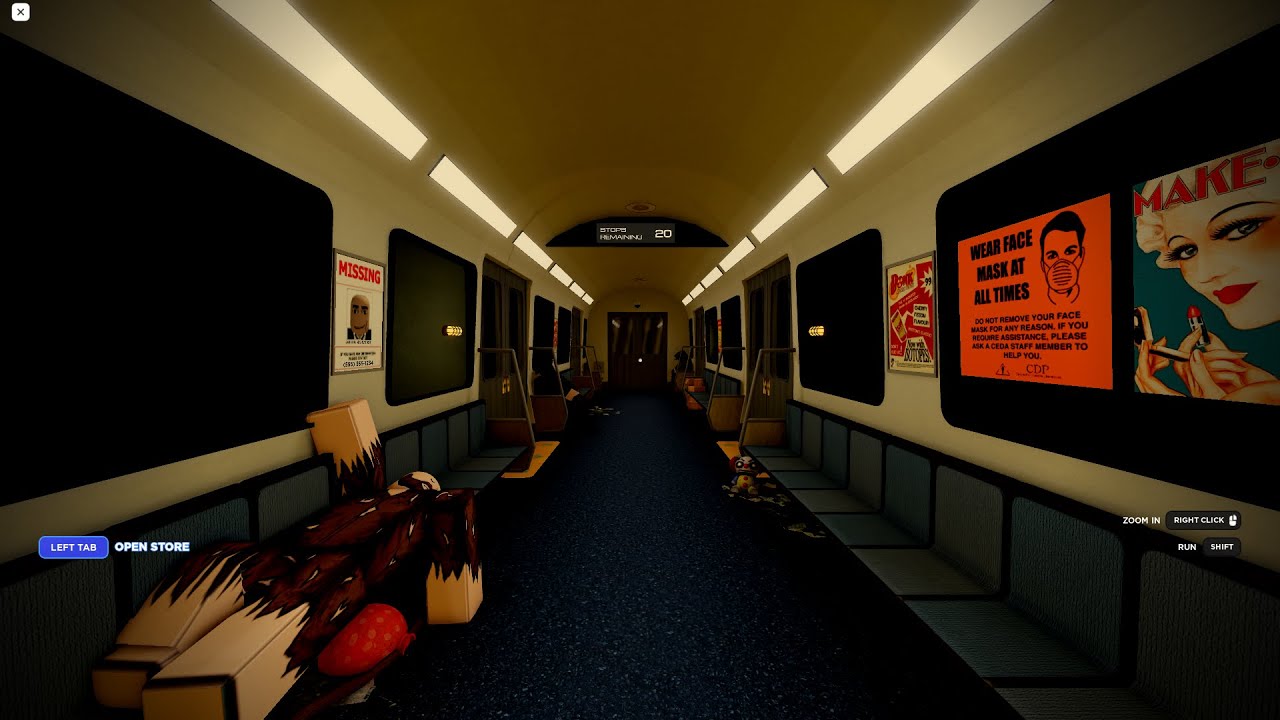
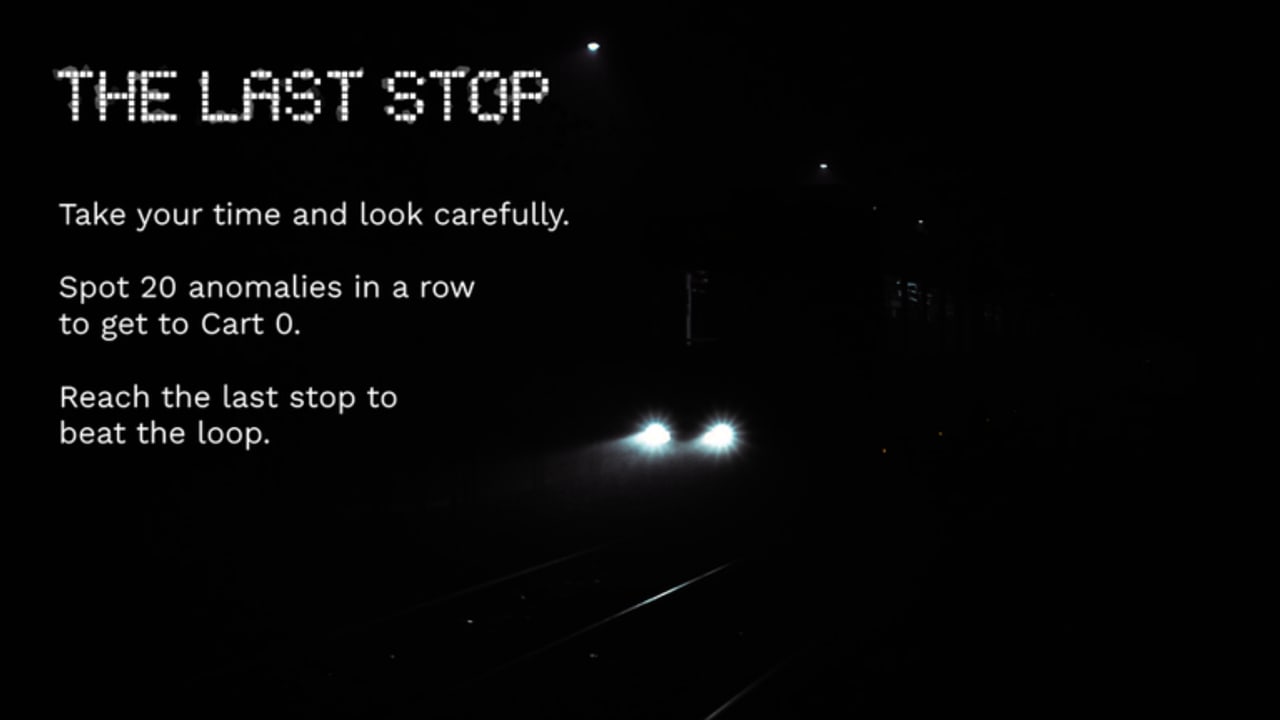
Last Stop is a single-player Roblox puzzle-horror loop inspired by Exit 8. You spawn in Cart 20, memorize seats, posters, lights, NPCs, and sounds, then walk cart by cart toward Cart 0. If a cart matches the original, keep going. If anything is wrong, turn around. One missed anomaly resets the run. This wiki maps the how to play loop, the Cart 0 walkthrough, the anomaly spotting method, all endings, the speedrun clock, controls, easy and hard anomalies, cart NPCs, entities, badges, the official scanner, fullbright helpers, script safety, codes, patch notes, the anomaly checklist, and official links.
Last Stop Roblox codes for September 2026: no active promo list, reward watch, and where drops would appear first.
View all CodesLast Stop Roblox guides hub: how to play, beat Cart 0, spot anomalies, finish endings, and run the five-minute clock.
View all GuidesLast Stop Roblox anomaly tier list: easy visual tells versus hard audio and door-label misses ranked for real runs.
View all Tier ListLast Stop Roblox roster hub: cart NPCs, chasing entities, and the eleven badges you earn from spotting and winning.
View all RosterLast Stop Roblox updates hub: May 2026 refresh, scanner notes, unrestricted place, and how patches affect Cart 20 memory.
View all UpdatesLast Stop Roblox scripts hub: official Normal scanner, fullbright notes, and safety rules for a single-player puzzle.
View all ScriptsLast Stop Roblox tools hub: anomaly checklist, scan order, official scanner notes, and why fake code generators do not help.
View all ToolsOfficial Last Stop Roblox links: main place, unrestricted under-17 place, Nothing2Serious group, and wiki map.
View all LinksDo not rush the first aisle. Study posters, arrows, NPCs, lights, and sounds using the getting started checklist before you open the next door.
If the cart matches Cart 20, go forward. If anything is wrong, turn back. The spotting guide explains the pass/fail rule.
A single miss dumps you to the start. Follow the Cart 0 walkthrough so you do not guess under pressure.
Keep the anomaly checklist open, check patch notes, and only then look at scripts if you still want extra light.
Quick answers for Cart 20, Cart 0, and the speedrun clock.
Read Getting Started first, then the Cart 0 walkthrough. Keep the anomaly checklist nearby.
No active promo codes are listed as of September 2026. See the codes hub and how to redeem if a drop appears later.
English, French, German, Spanish, and Brazilian Portuguese. Legal pages stay in English for every locale.
Yes. The store scanner works in Normal mode only. Details live on the anomaly scanner page. It does not replace learning hard anomalies.
Reach Cart 0 without missing an anomaly. The walkthrough and endings pages cover the good ending and the three speedrun failures.
Start with the beginner guide, then beat the run with the Cart 0 walkthrough and keep a copy of the anomaly checklist open while you walk.
Start with the beginner guide