Last Stop controls
Walk, look, turn around. The puzzle is perception, not a skill combo.
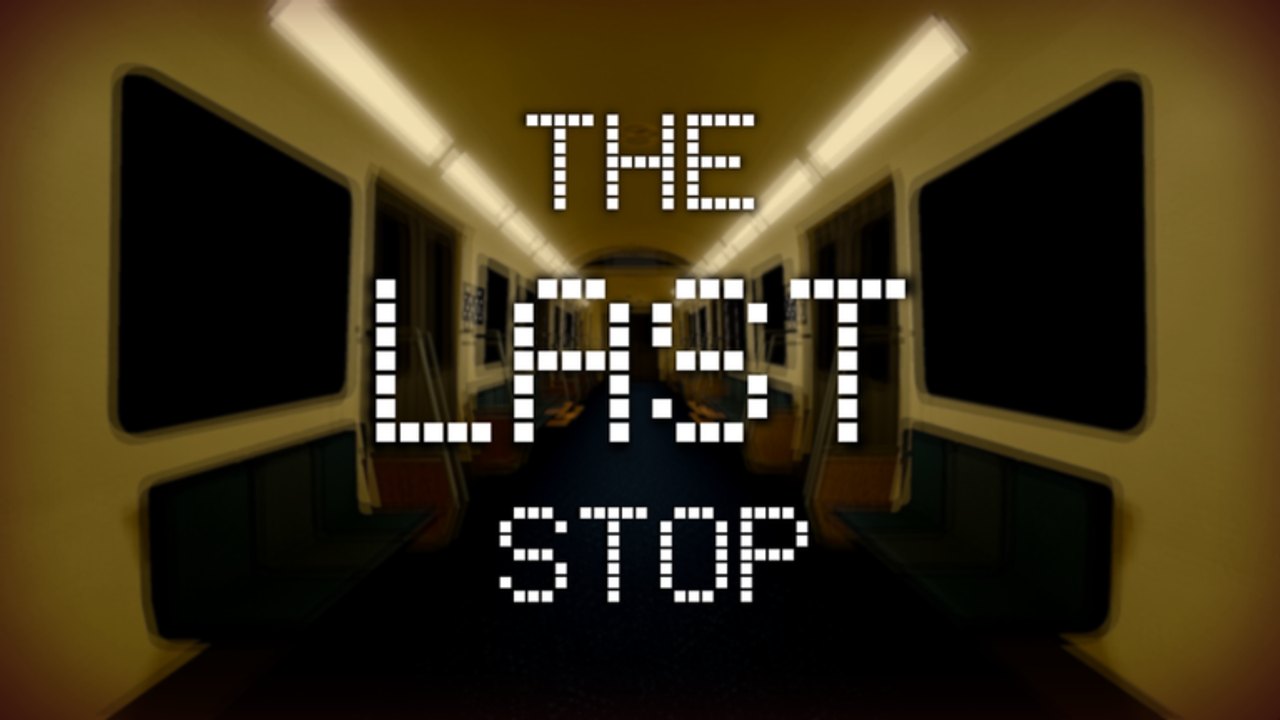
Last Stop uses default Roblox movement. There is no melee bind, no flashlight toggle in the base kit, and no emote that reveals posters. Your performance is how quickly you can look at the Next Cart sign and rotate 180 degrees when it is wrong. This page is the bind list and the habits that matter. Pair it with getting started and the spotting guide.
PC (keyboard and mouse)
| Action | Default |
|---|---|
| Move | W A S D |
| Look | Mouse |
| Jump | Space (almost never required) |
| Sprint | Left Shift if enabled in Roblox settings |
| Turn back | 180 with mouse, then W |
| Menu / leave | Roblox ESC |
Shift-lock is optional. Some players like it for straight aisle walking; it can make a fast 180 clumsier. If you miss the reverse of the Stops Remaining sign, turn shift-lock off for a session and practice a raw mouse flick.
Do not bind a clip-teleport or a speed hack for a first clear. Extra speed is a speedrun temptation and a script safety problem. The official way to get help is the Normal-mode scanner, not a walkspeed slider.
Mobile
| Action | Control |
|---|---|
| Move | Left thumb stick |
| Look | Right-side drag |
| Jump | Jump button (ignore it) |
| Turn back | Drag a full 180, then walk |
The mobile fail is an incomplete turn. You think you faced the door you entered from, but you are 150 degrees off and walk into a side wall. Practice in Cart 20: pick a poster, rotate until it is centered, then rotate back to the far door. If that takes more than a second, your swipe sensitivity is too low.
Use headphones. Several hard anomalies are audio-only, and mobile speakers in a bus will not catch a whisper.
Gamepad
| Action | Default |
|---|---|
| Move | Left stick |
| Look | Right stick |
| Sprint | Left click / L3 depending on platform |
| Menu | Start |
Keep look sensitivity high enough for a one-motion 180. Last Stop is first-person enough in practice that a slow stick is a twenty-cart tax. Invert look if that is already your Roblox habit; do not change invert in the middle of a streak.
The only “skill combo” that matters
Enter → six-point scan → 180 or commit. The scan is documented on how to spot anomalies. The 180 must be committed. Peeking backward without moving, then peeking forward again, is how speedrun clocks die.
When you decide to turn back, walk fully through the door you came from. Stopping in the doorway can leave you in a weird collision with a closing animation and eat seconds.
Accessibility and comfort
- Lower brightness if the fluorescent tubes bloom on OLED, but do not crush shadows so far that impending-darkness becomes invisible.
- Enable Roblox camera sensitivity changes in experience settings if the default flick overshoots posters.
- Seated play is fine. This is not an obby.
- Photosensitivity: lights fail, strobe-ish cart numbers, and red emergency lighting exist. Take breaks. That is a real entity adjacent hazard, not flavor text.
What you cannot control
- Other players (there are none).
- A codes menu (there is none).
- Scanner keybinds (the store item is its own UI in Normal).
- Cart NPC paths; they are placed, not pathed like an FPS. See cart NPCs.
Practice routine
Spend five minutes in Infinite only turning. No badge hunting. Every time you enter a cart, 180 and leave, then 180 and proceed. You are teaching the hands so the walkthrough can live in the head. Then go back to Normal for a serious streak.
Related pages
Getting Started · How to beat · Speedrun · Checklist · Fullbright
Frequently Asked Questions
Quick answers for Cart 20, Cart 0, and the speedrun clock.
Is there a unique Last Stop keybind?
No special puzzle key. Movement is default Roblox. The store scanner has its own button in Normal.
Should I use shift-lock?
Optional on PC. If your 180s feel sticky, turn it off and practice with raw mouse look.
Can I remap on mobile?
Only through Roblox's own UI. There is no in-game control overhaul. Sensitivity is the lever that matters.
Does jumping help me see posters?
Almost never. Jumping just makes the camera noisy. Walk and look instead.